
 −70%


AI Girlfriend Website or Mobile App: Feed, Series, Chat
AI girlfriend website or mobile app? GoLove.ai wins on continuity — one account carries her chats, photos and video to both screens. Compare what changes.
Most AI Girlfriend 'Apps' Are Websites, and That's Fine
Nobody opens a laptop at 11 p.m. to talk to their AI girlfriend. You grab the phone, thumb past a few vertical clips and tap into a chat. So the real question isn't website versus app. It's whether the product you picked still works once it's in your hand.
That's the part most comparisons skip. Among the products we could verify, the polished store app belongs to Character.AI on iOS and Android, and it's strictly SFW. OurDream, the adult-first option, is web-only with no native mobile app (checked 2026-09). FlirtSyn just forwards you to OurDream's sign-up. JuicyChat is the fair exception: it publishes iOS subscription pricing, which counts for something if you live on an iPhone.
When this niche says "app," it means one of three things:
- Store app: polished, listed in the App Store or Google Play, usually SFW.
- Web-only: adult-friendly, but built around a desktop browser.
- Mobile-first browser: a website with a real phone layout and tab bar.
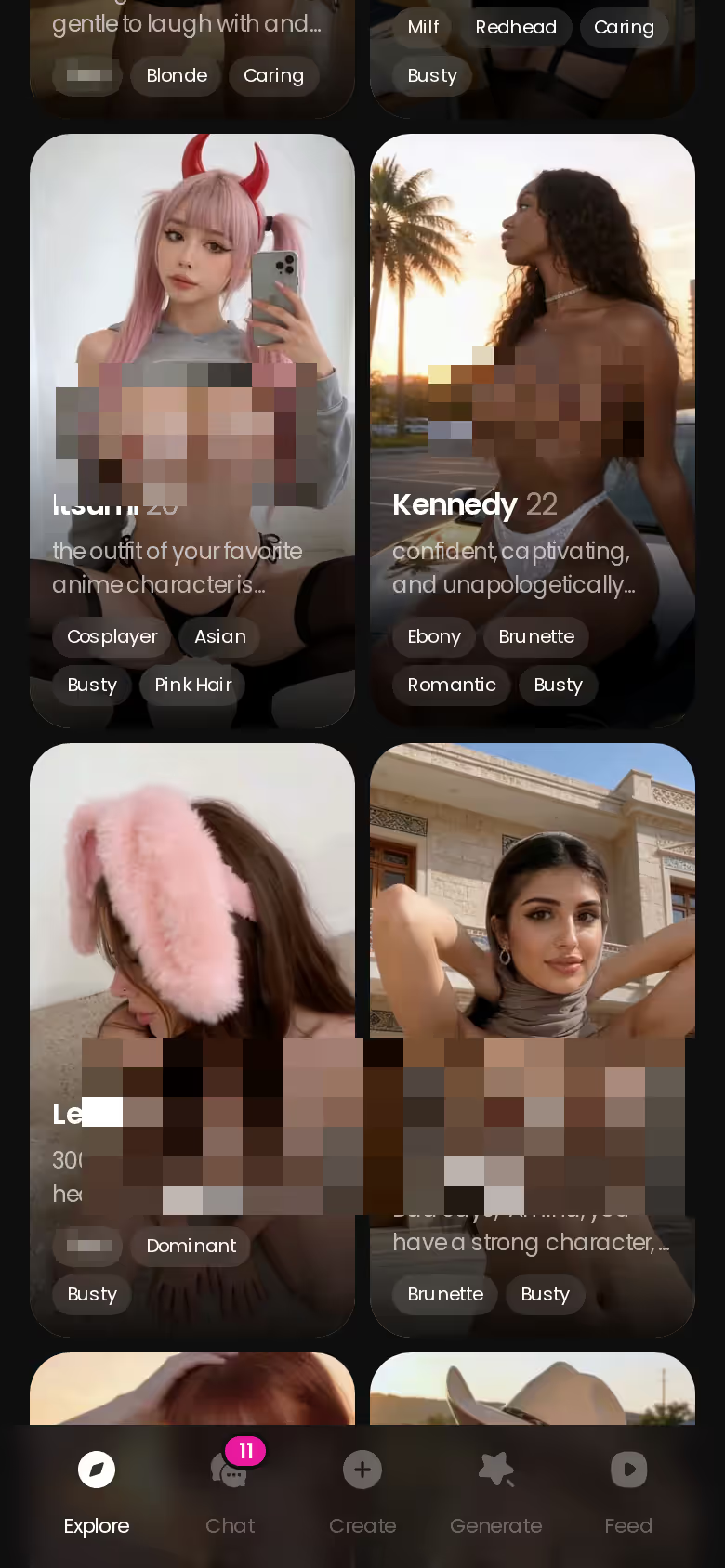
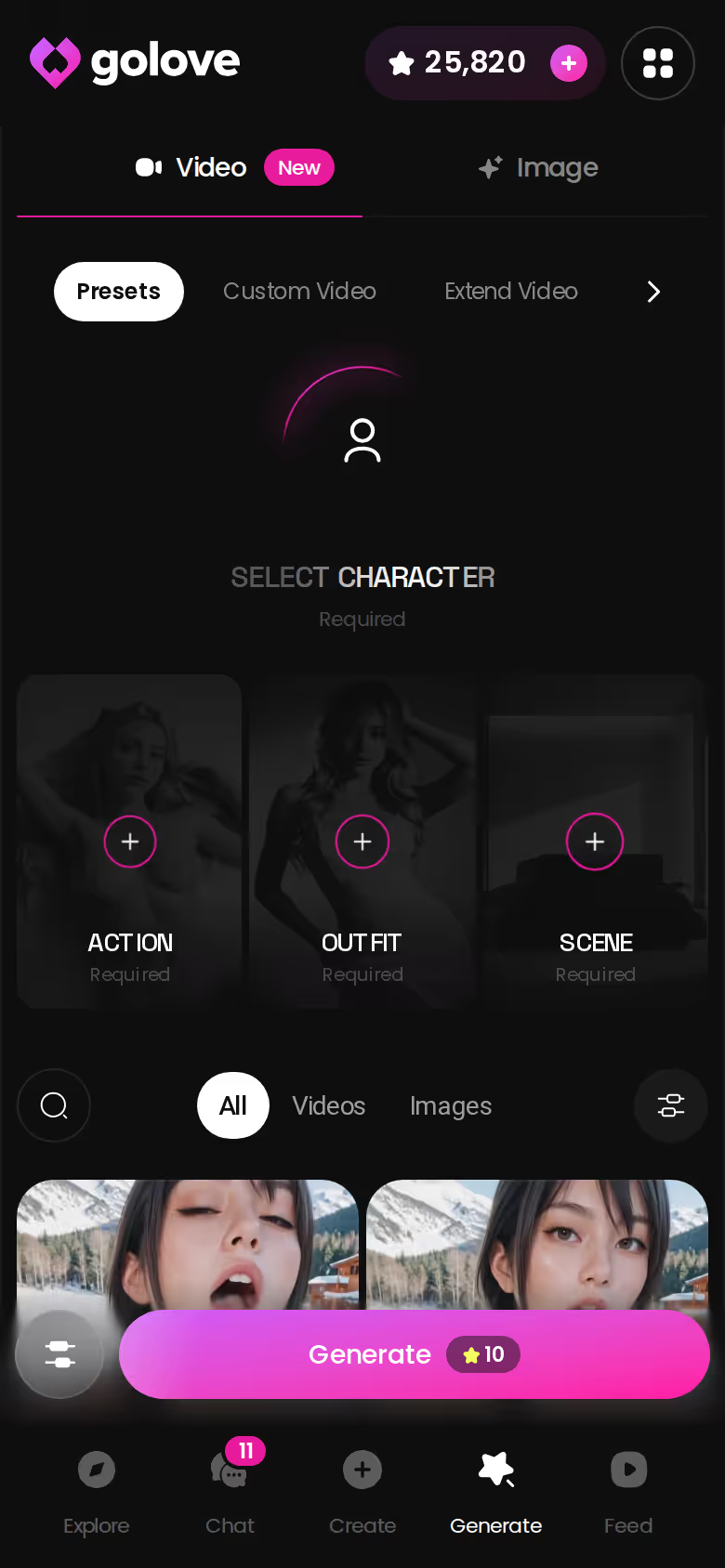
GoLove.ai is the third kind, and this walkthrough follows the order the phone lays it out. A bottom bar of Explore, Chat, Create, Generate and Feed keeps photos and the Feed one tap away. One account carries the same character between laptop and phone.
Don't take my word for it. You can check all of this for free in about ten seconds. Chat opens straight from Explore, and her first photo is visible before you've signed up for anything, so start there.
On a Phone, GoLove Plays Like a Feed
Here's the weeknight loop, step by step, built from what the app actually does.
Open Feed and you get one full-screen clip of a GoLove character at a time. Swipe up for the next one, down to go back. A double-tap drops the clip into your Liked tab so you can rewatch it later, and tapping her profile takes you straight into her chat without hunting for her again.
Chat is where the evening actually happens, and the photo request is the reason. Tap the media button, choose Send Photo and describe the scene in your own words. In about 20–45 seconds, for 1 Star, a photo of that same character arrives, with her face and body matching her avatar and earlier photos. That consistency does most of the work. It's what keeps the illusion from falling apart. If you want to take a scene further, Generate Video sits right under the photo, and one tap turns it into a roughly 5-second clip in about a minute, for 10 Stars.
- Feed: swipe, double-tap, open her profile.
- Chat: Send Photo, about 20–45 s, 1 Star.
- Video: Generate Video under the photo, 10 Stars.
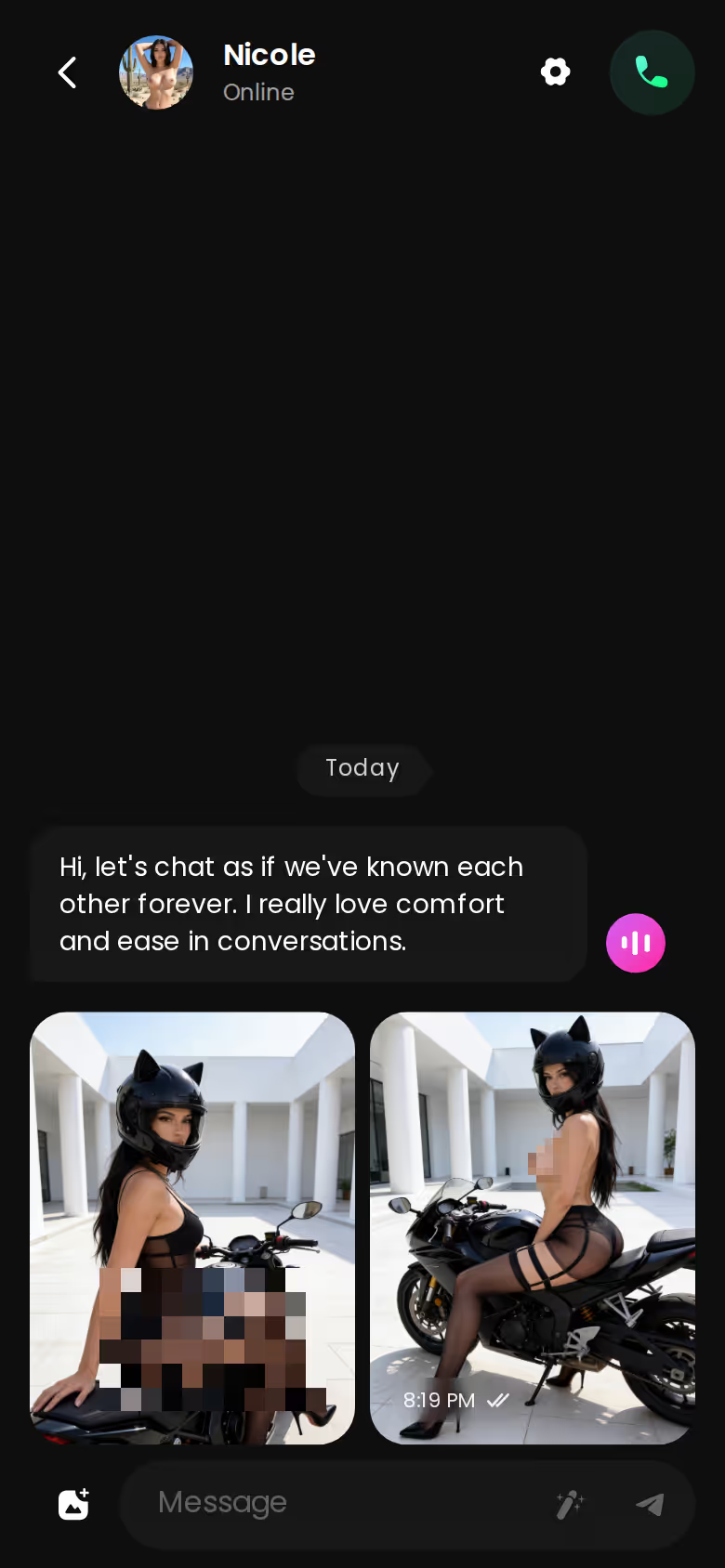
Then comes the detour into Series, GoLove's own 18+ vertical short dramas. Episodes run 60–100 seconds in 9:16, with subtitles in nine languages, and episodes 1 and 2 are free. In "Bitten by Both Sisters," starring Katarina, the Start Chatting button under the player puts you in her DMs.
The phone isn't the compromise screen here — the vertical stuff was made for it.
The Generator Doesn't Need a Desk Anymore, Mostly
The old rule was simple: chat on the phone, create at the desk. GoLove's spec breaks that rule. Mostly.
Characters you can open right now
Tap any of them and the chat starts there






Where the website still wins
Some of the fiddly parts still go better with a keyboard and a big screen:
- Design with AI takes prompts of up to 2,000 characters. That's a real character brief, and writing one with your thumbs is kinda janky.
- Video settings are easier to compare side by side: 1, 2 or 4 videos per run, at 480p, 720p or 1080p, with a 720p video costing 10 Stars.
- Feed works at the desk too. The mouse wheel or arrow keys move you from clip to clip.
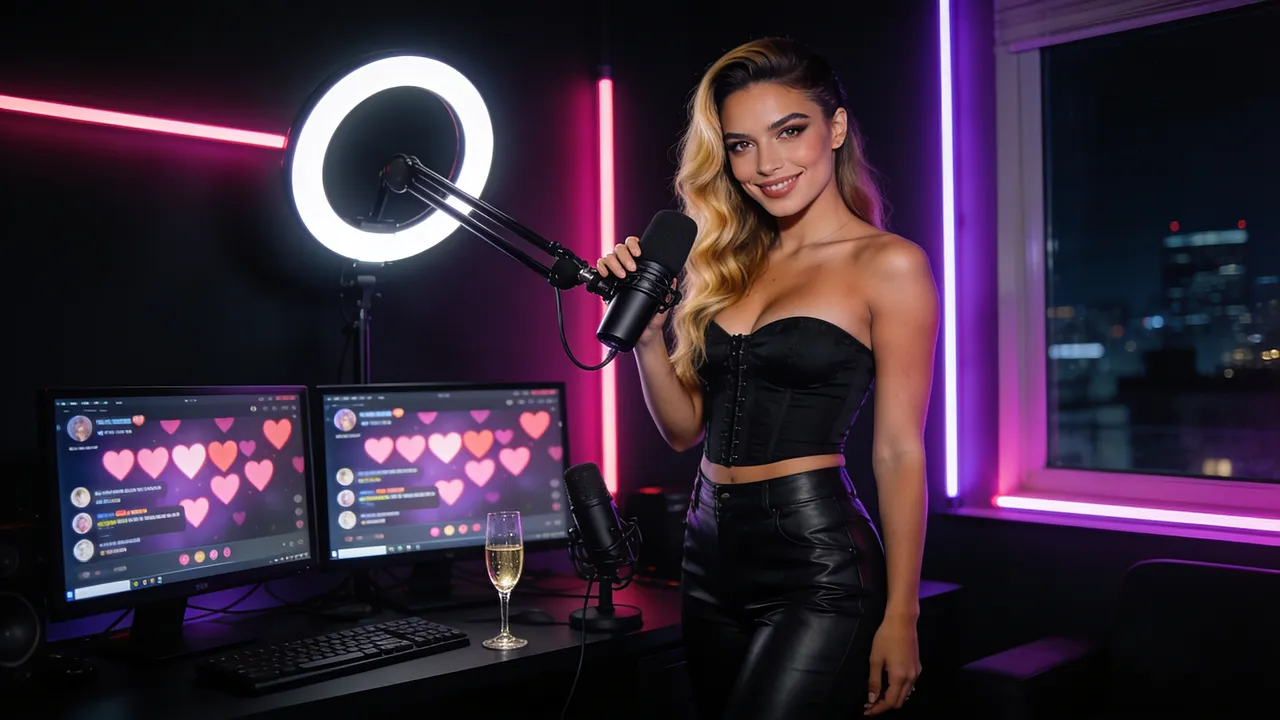
 Binge the hottest AI seriesWatch She Streams on My Platform and more popular shows starring your favorite AI characters.Watch now
Where the phone wins
Everything built around a thumb belongs here:
GoLove.ai, myth vs. fact:
- Myth: She forgets you the moment the tab closes — Fact: She remembers your chat history
- Myth: Voice is a gimmick you try once — Fact: Live voice calls, voice messages and a voice picker in Chat Settings
- Myth: Every "photo" is the same stock render — Fact: She sends photos on request, and the image generator has 35 realistic poses and 21 outfits
- Myth: You can't change how she talks — Fact: Chat Settings set her lust level and reply length
- Swipe and double-tap in Feed.
- Series in its native vertical format.
- Feed and Generate as permanent bottom tabs.
- Multi-Scene clips you can put together on the couch.
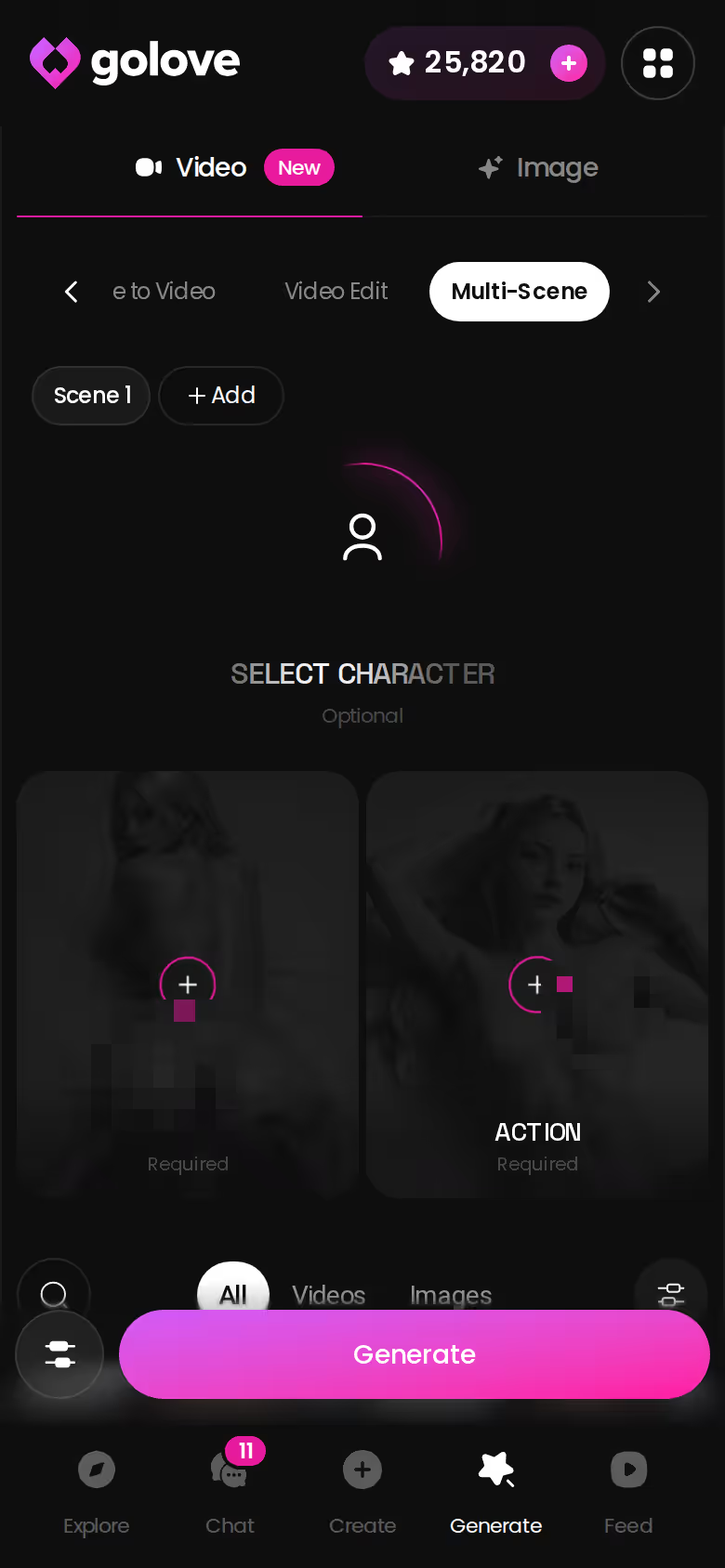
Remix is the feature that ties the two screens together, and it's the one I'd point to first. Tap the magic wand on any Feed clip and the generator opens with that clip's character, action, outfit and scene already set. Change one thing, then generate. The setup screen was the main reason you needed a desk. Remix skips it, and that's why the pocket version of the generator is usable at all.
Where OurDream, Character.AI and JuicyChat Land on Each Screen
Here's where each product lands. Each rival gets the rows the facts support, no more and no less.
| GoLove.ai | OurDream | Character.AI | JuicyChat | Candy AI | |
|---|---|---|---|---|---|
| Phone experience | Mobile layout with Explore / Chat / Create / Generate / Feed tabs | Web-only, no native app | Polished iOS/Android apps (wins this row) | iOS app with published iOS prices | Not confirmed |
| Adult content | Yes, all NSFW content on PRO | Adult-first | No, strictly SFW | Adult text roleplay | Not confirmed |
| Memory | Remembers chat history; 8,000-message memory on ULTRA | Memory over recent message history | Strong reputation for in-chat memory | Not confirmed | Not confirmed |
| Video | Photo-to-video in chat, generator, Feed, Series | Video generation bundled | Not confirmed | AI video generation | Live Action video |
Credit where it's due: the SFW store-app pick in the table wins on the app, and its basic chat is free, as long as you don't want adult content. JuicyChat and Candy AI both undercut GoLove on the monthly price, and that's worth saying plainly.

Recommended pick for this search: GoLove.ai. It's the one where the Feed-to-chat-to-photo-to-video loop works the same on either screen, with the same character the whole way. For the wider picture on pricing and memory, see our cost-and-continuity comparison of AI companion apps.
On price alone, JuicyChat lists Premium at about $12.99/month on iOS, and Candy AI starts around $13.99/month with a $9.99 first-month offer. GoLove PRO and OurDream Premium both sit at about $19.99/month, or about $9.99/month on an annual plan.
Prices checked 2026-10; promos vary.
GoLove.ai's Free Tier: Where the Paywall Sits on Any Screen
Here's the trade-off, plainly. The SFW store app in the table gives you free chat. GoLove puts the adult content and the media behind PRO and Stars. You pay for it, and what you get for the money is adult content where every photo shows the same character.
- Free: 2 daily reward Stars, a limited number of new Feed videos per day, and episodes 1–2 of every Series.
- PRO: about $19.99/month or $119.88/year. It includes 100 Stars a month, all NSFW content, character creation and an unlimited Feed. Feed filters, voice messages and calls are PRO-only too.
- ULTRA: about $59.99/month. It adds more powerful AI models and 8,000-message smart memory.
One thing to watch on costs. The plan card lists 1 Star per image and 5 Stars per video, but the in-chat Generate Video and a 720p generator clip both cost 10 (budget for the 10, not the 5). Star packs run from about $9.99 for 30 to $299.99 for 3,000.
From episode 3 on, Series needs PRO plus a few Stars per episode. The likeliest place for immersion to break is the "Unlock Unlimited Feed" paywall, because it can show up mid-swipe once the free daily quota runs out.
A few caveats:
- Prices vary by region.
- The −70% new-user offer is labelled "limited-time" with no stated deadline.
- The paywall sits in the same place on desktop and mobile.
Prices checked 2026-10; promos vary.
Phone First, Desk Second: How I'd Actually Set This Up
This is the setup I'd use, split across two screens.
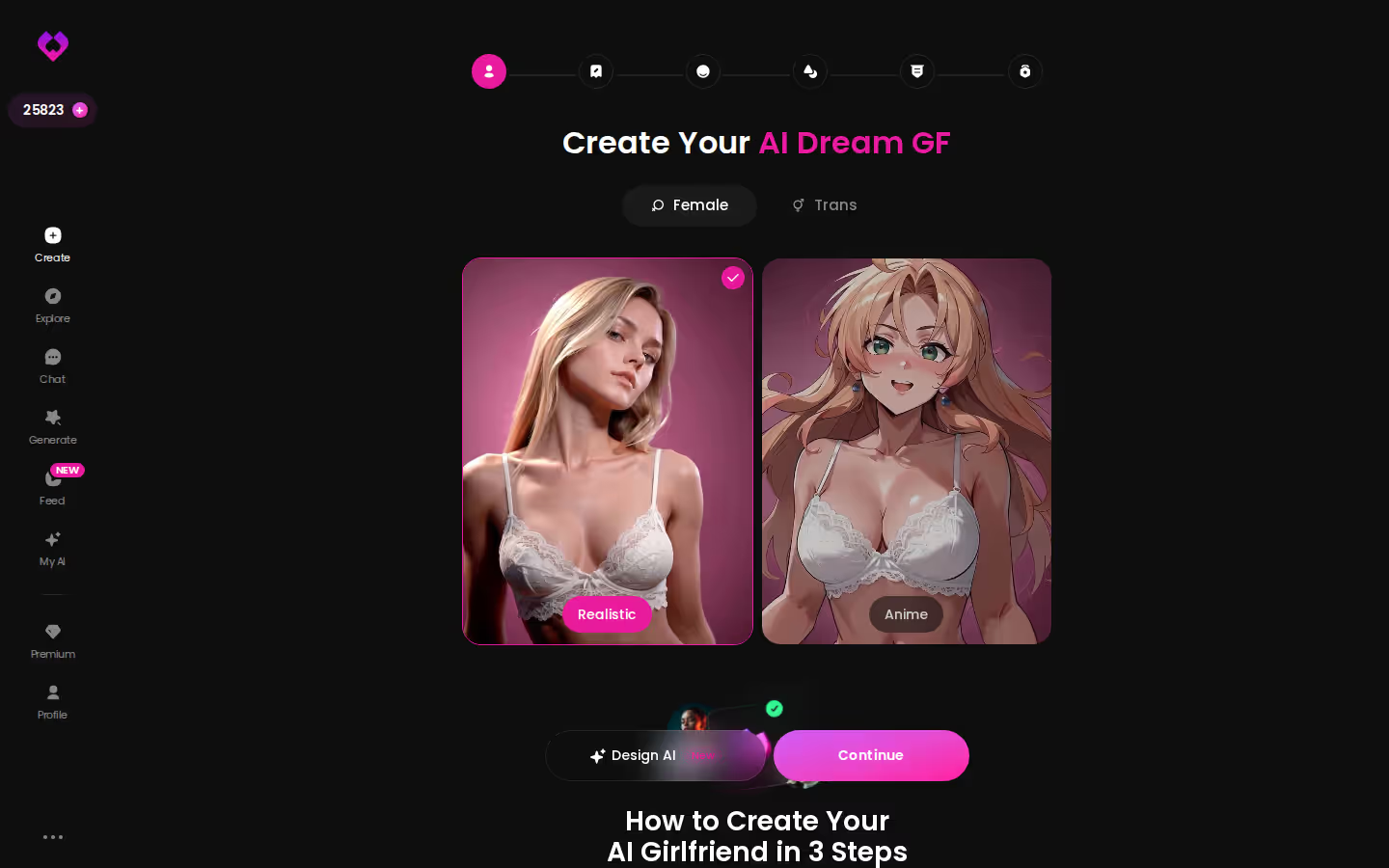
Sunday happens at the desk. Open Create and pick Realistic, Anime or Trans. You can also skip the wizard, describe her in Design with AI and actually fill that 2,000-character box: how she talks, how forward she is (or how eager to please), what she does for a living. About a minute later she has a name, her own @handle, a written bio and a portrait, and she stays Private until you decide otherwise. That's the quietly great part of the desk session, because you only do the careful work once.
On weeknights the phone takes over. Swipe the Feed for a few minutes and watch a Series episode. Then open her chat and ask for a photo of the scene you've had in your head all day. She's the character you built, so the photo comes back as her and not a lookalike.
Character.AI is a real one if you want a free, polished store app and don't need adult content. Pick JuicyChat if a native iOS app is non-negotiable. For everyone else, the plan is simple: build her once on Sunday and she's in your pocket by Monday night.
Verdict: GoLove.ai is the AI girlfriend to pick here, because the same character follows you from Feed to chat to photo to video on whichever screen is closest.
Frequently Asked Questions
01Who can see my AI girlfriend chats if I use the website on a shared computer?
On an AI girlfriend website, your chats sit behind your account, and the same character follows you between laptop and phone. On a shared computer, the real risk is a browser that stays logged in, because anyone who opens it can reach your account. Log out when you're done, or use a private window, and don't let the browser save your password. GoLove.ai keeps new characters Private by default, but that only means other users can't find her. It doesn't lock the browser, so logging out is on you.
02Is a browser-based AI girlfriend site legit, or is a store app safer?
In this niche, a browser-based AI girlfriend site is normal, not a red flag. The polished store apps tend to be SFW, like Character.AI, while adult-first options such as OurDream are web-only. Check where the link actually lands, though. FlirtSyn, for example, just forwards you to OurDream's sign-up, so the account and billing are OurDream's. With GoLove.ai you can open a chat from Explore and see her first photo before you sign up, so you know what you're getting before you pay anything.
03Does GoLove's video Feed work the same on desktop as on a phone?
Mostly, yes. GoLove.ai's Feed shows one full-screen clip of a character at a time on both. On a phone you swipe up and down, and at a desk the mouse wheel or arrow keys move you clip to clip. Your Liked tab, the jump from her profile into chat, and Remix all carry over. The phone just feels more natural for vertical clips, since Feed is a permanent bottom tab there. The free daily limit and the 'Unlock Unlimited Feed' paywall show up in the same place on both screens.
Related Articles
 Reviews11 minOctober 29, 2026Girlfriend GPT App Review: Coins on Top of $15 PlansGirlfriend GPT app review: strong community characters, but media costs coins on top of $15–$50 tiers. GoLove.ai ties photos and video to one chat — compare.Read article
 Insights11 minOctober 26, 2026SpicyChat Alternatives for Mobile Users: Swipe and ChatSpicyChat alternatives for mobile users: SpicyChat stays cheapest from $5.95/month. GoLove.ai wins on in-chat photos and video — compare 6 apps on a phone.Read article
 Insights8 minOctober 20, 2026AI Girlfriend App with Custom Avatar: Her Face in VideoAI girlfriend app with custom avatar? GoLove.ai carries her face from portrait into chat photos and video — see what each step costs in Stars.Read article