 −70%
−70%
AI Girlfriend App with Custom Avatar: Her Face in Video
AI girlfriend app with custom avatar? GoLove.ai carries her face from portrait into chat photos and video — see what each step costs in Stars.
The Portrait Is the Easy Part
Any AI girlfriend app can render one gorgeous portrait of the woman you designed. The harder question is whether that face is still hers in the photo you ask for in chat, and again in a five-second video of that scene.
Look at any Explore page and the problem looks like a strength. You get a grid of polished faces, tag chips across the top to narrow them down, and every portrait lit like a magazine cover. A great first image proves almost nothing, though. It's one render. What you're paying for is everything that comes after it.
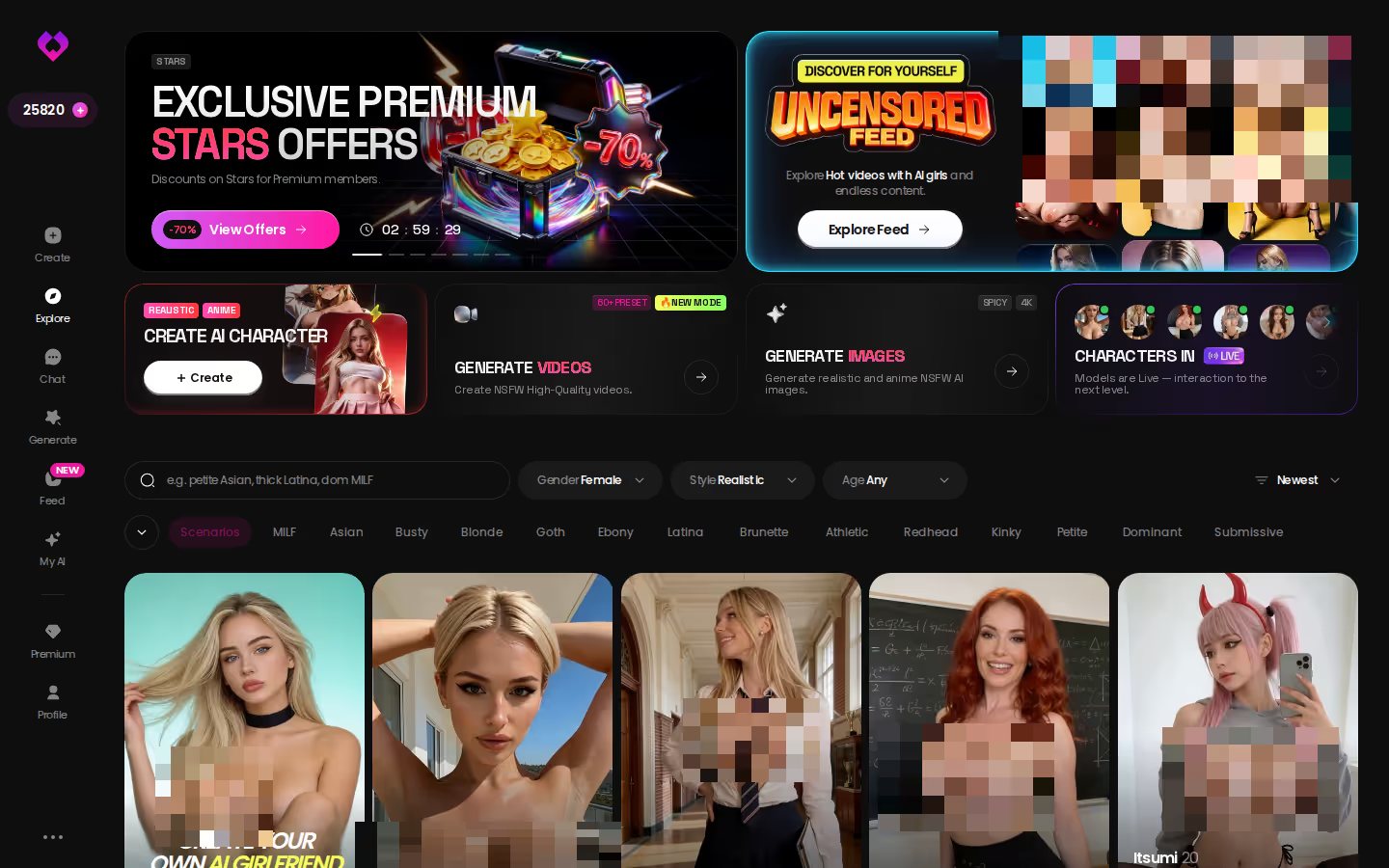
So this walkthrough traces one custom character through GoLove.ai's flow. Its chat photos are documented as keeping her face and body consistent with the avatar and with earlier photos, and I think that claim deserves to be followed all the way through. The steps: design her, ask for a photo in chat, turn that photo into a clip, run her through the video generator, and add up the Stars each step costs. If the face drifts anywhere along that chain, that's where a custom avatar app falls apart.
Two Ways to Draw Her: Click Through or Describe Her
GoLove splits creation at the very first screen, and that split matters more than any single slider.
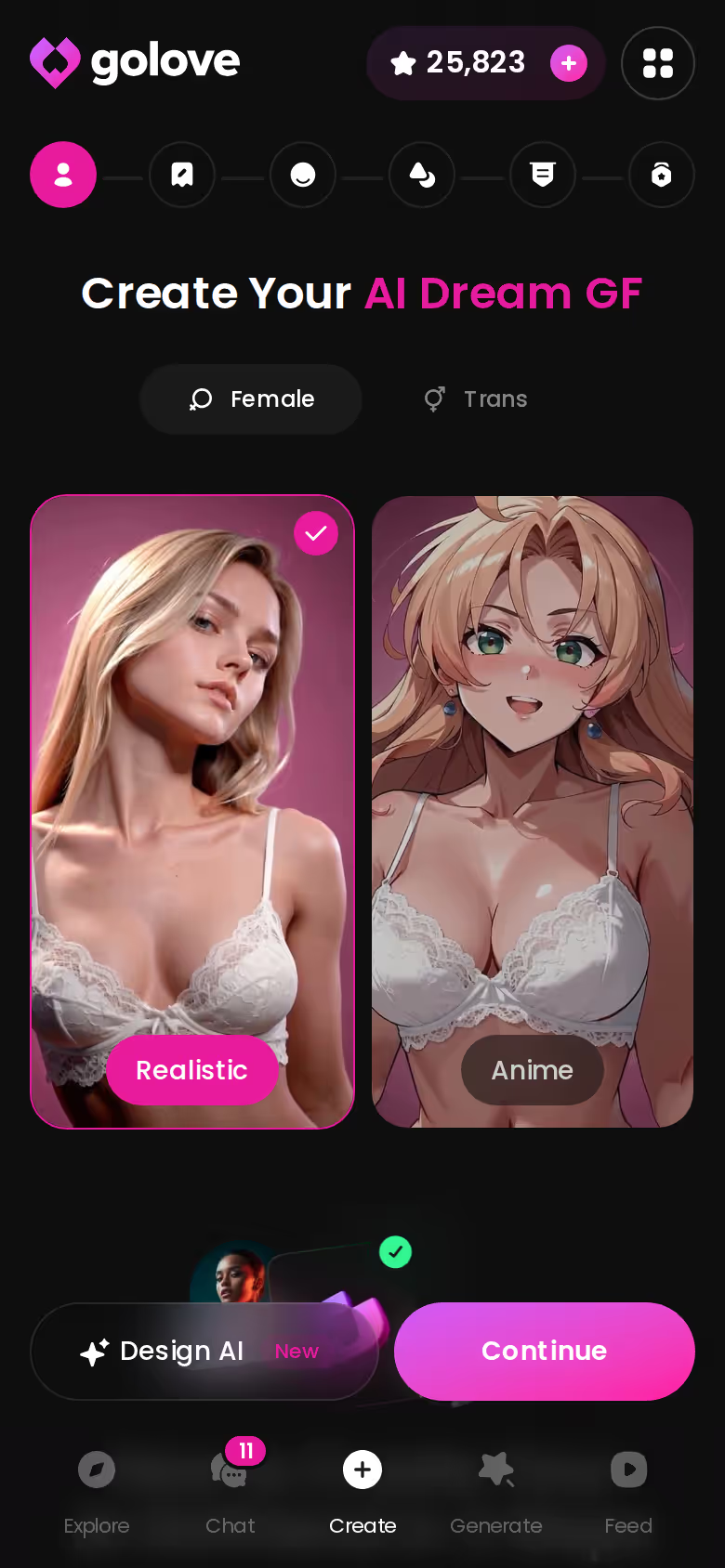
The Create Wizard: Realistic, Anime or Trans
You pick a category and click through the choices. This is the guardrailed route. It's hard to get lost and quick to a result. Anime is a full path here, not an afterthought (GoLove keeps 300+ anime companions as their own Explore category), and Trans sits right beside Realistic as a first-class option. Go this way if you'd rather choose than write.
 7 episodes
 5 episodes
 5 episodes
 5 episodes
 5 episodes
 7 episodes
 6 episodes
 9 episodes




Design with AI: One Paragraph, One Minute
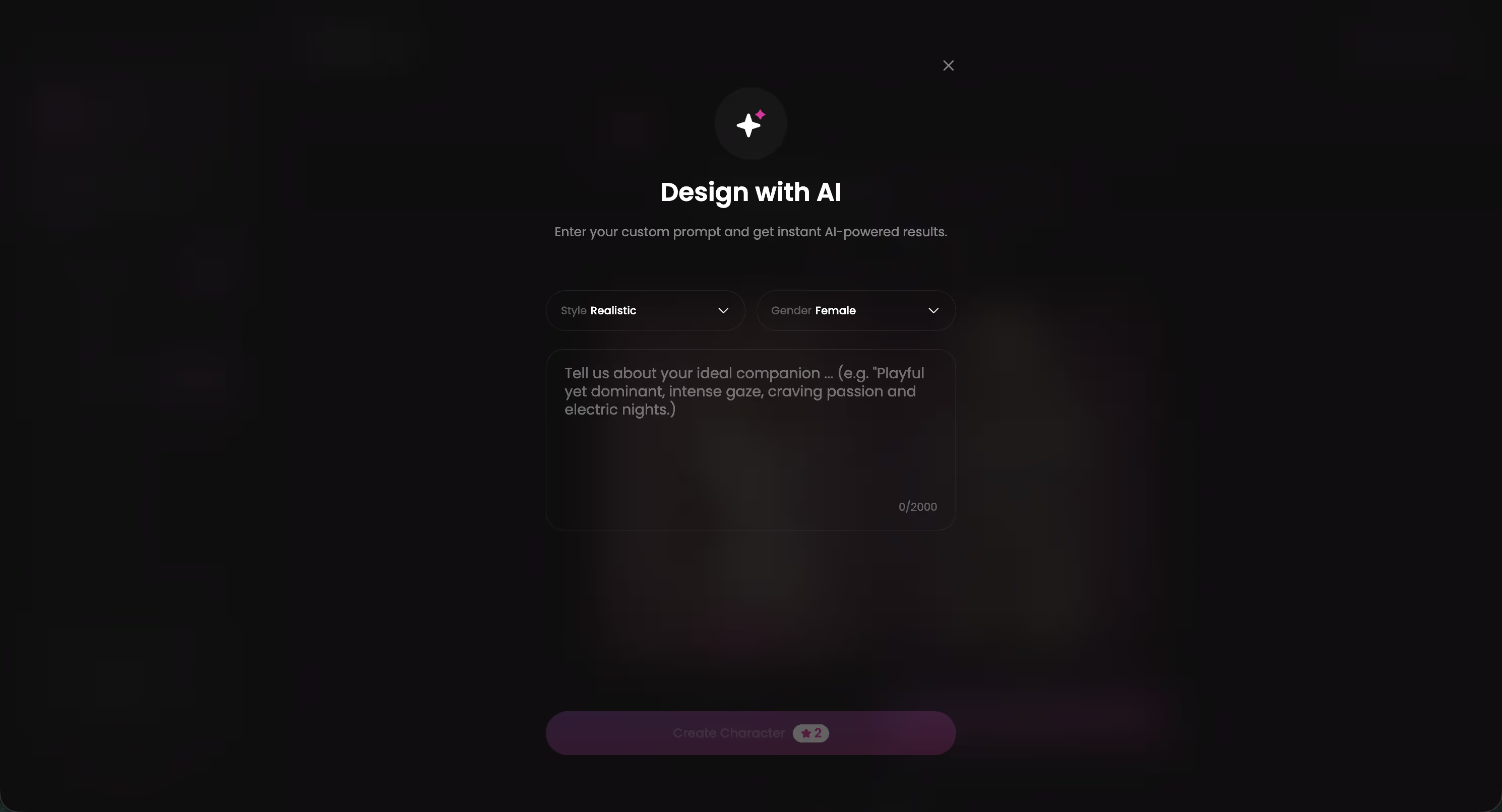
Here you type up to 2,000 characters about her: her looks, her job, the way she talks to you. In about a minute you get a named character with her own @handle, a written bio and a portrait, for about 3 Stars in what was observed. New characters are Private by default. Make her public and she can earn you Stars. If she already exists in your head, this is your route.
- Wizard: Realistic, Anime or Trans, click-through
- Design with AI: free text, up to 2,000 characters
- Photos: up to 5 of your own, ULTRA-only and still in alpha. Never use a real person's photos without their consent.
What I like about Design with AI is that it doesn't hand you a mood board. You get a full character, bio and handle included, and you can open a chat with her right away. If you're still torn between the two paths, browse the finished characters first and see where each one lands.
The First Chat Photo Is Where Her Face Holds or Slips
On to the chat itself. In Chat Settings you set the tone with a lust level slider that runs 5 steps from sweet to unfiltered, a response length slider that runs 5 steps from snappy to immersive, and a voice for her. Memory keeps the history, so the second night picks up where the first one ended.
Characters you can open right now
Tap any of them and the chat starts there






Then comes the real test. Tap the media button, choose Send Photo and describe the scene in your own words. Say it's her on a balcony after work, wearing the sweater you mentioned earlier. A photo of that same character arrives in about 20–45 seconds for 1 Star, and her face and body are documented as staying consistent with the avatar and with earlier photos.

 Watch Popular Shows starring your
 favorite AI characters.
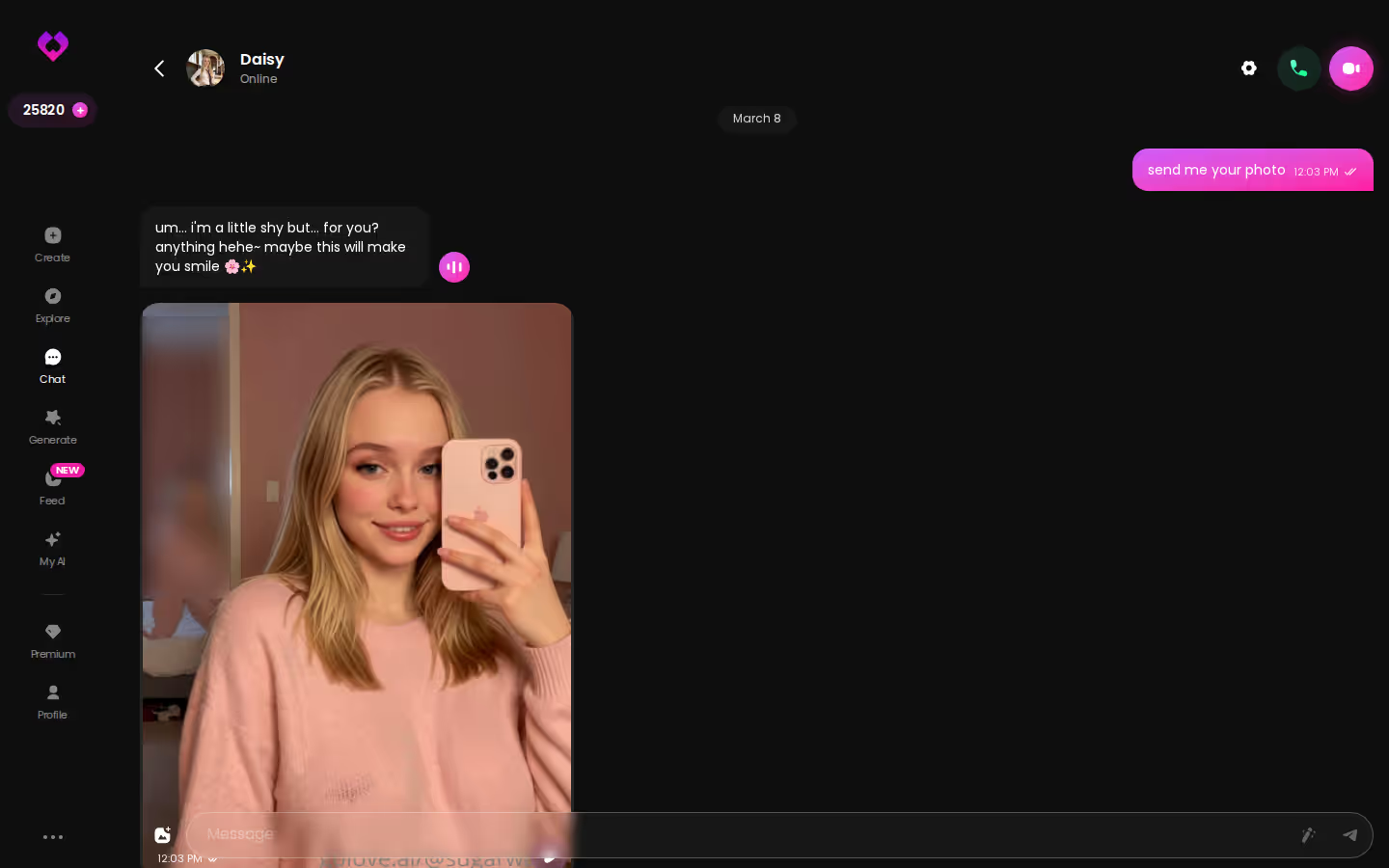
Consistency is the whole product; the portrait is just the audition.
This is exactly where a custom companion breaks immersion. By the fourth photo you're looking at someone who could be her cousin, not her. GoLove built its photo request around keeping it her, and that's the right fight to pick. The small extras help too. The magic-wand button writes three suggested replies when you're stuck, and when a reply sounds off-character you can rate it 1–5 and regenerate it.
From a Still Photo to Five Seconds of Her Moving
Motion is the second test, and it's where the cost goes up. Under each chat photo there's a one-tap Generate Video. About a minute later you get a ~5-second video of the same scene and the same character, for 10 Stars. Video Notes are the other option: tell her what to say or do, and a round talking clip with sound comes back in under 90 seconds, also for 10 Stars.
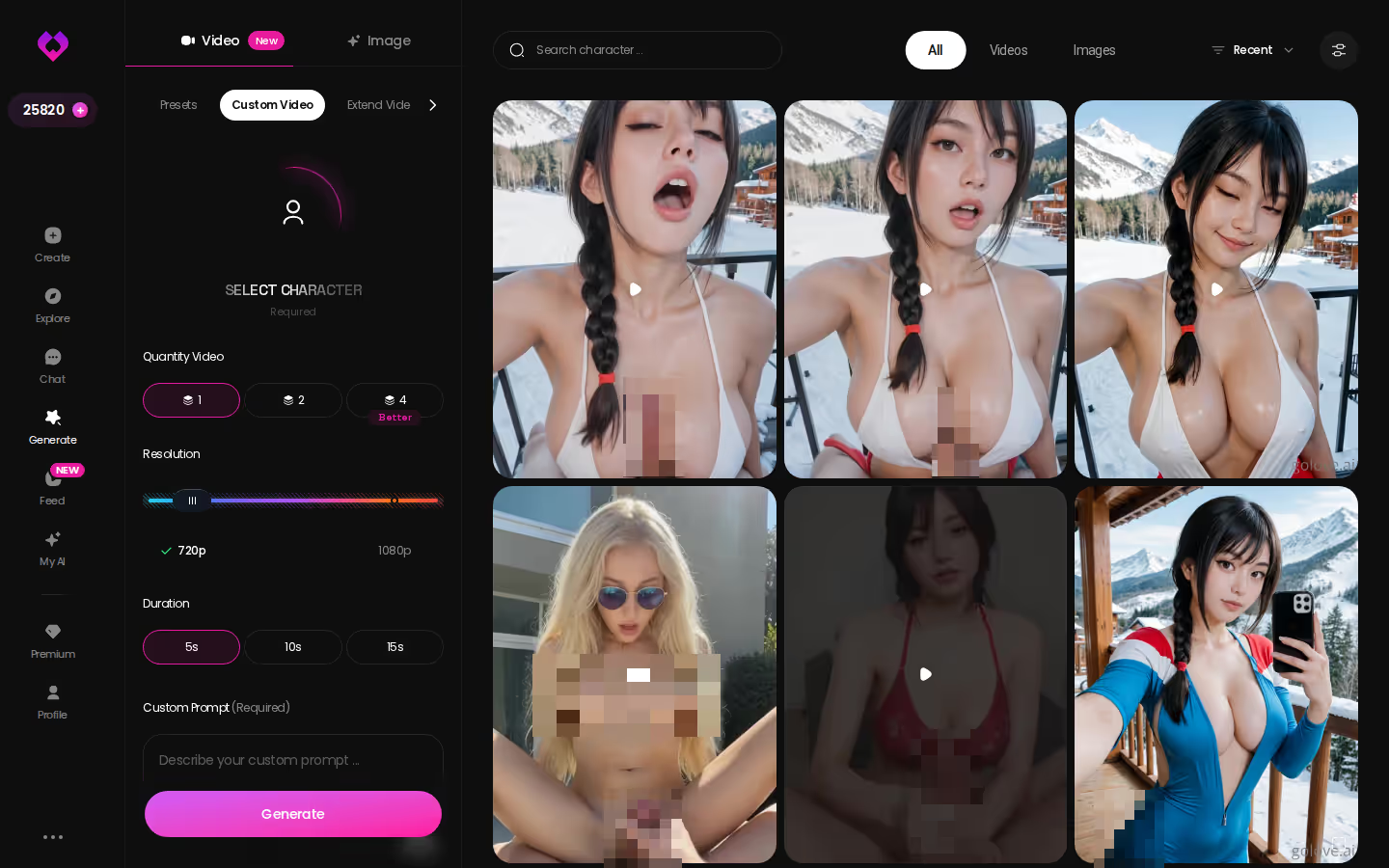
The generator is the bigger room. It works per character, with an avatar swap at the top right, so the girl you designed fills the same slot as any house character. Presets build a clip from cards (an action, clothes and a background), and then it's one Generate tap. You get 76 realistic video modes, or 147 across all categories, from mild ones like Twerk up to fully explicit. Feel boxed in by presets? Custom Video and Image to Video are there too. Output comes at 480p, 720p or 1080p, and a 720p video costs 10 Stars.
Does the generator work on a character I made myself? Yes. It works with any GoLove character or one you built.
That's the quietly great part of the setup. In the generator you pick your own character, not a lookalike.
Budgeting Her in Stars, and Where OurDream Matches the Price
| Option | Price (approx.) | What you get |
|---|---|---|
| GoLove.ai PRO | ~$19.99/mo or ~$119.88/yr | 100 Stars/month, all NSFW, character creation, voice messages & calls, unlimited Feed |
| GoLove.ai ULTRA | ~$59.99/mo | More monthly Stars, Star-refill discount, stronger models, 8,000-message memory, priority creation |
| GoLove.ai Star packs | from ~$9.99 for 30 Stars | Top-ups when the monthly Stars run out |
| GoLove.ai per action | Stars | 1 per image or chat photo · 10 per 720p or chat video · ~3 observed for Design with AI |
| OurDream Premium | from ~$19.99/mo, or ~$9.99/mo annual | Chat, images and video in one plan, 1,000 DreamCoins per cycle |
OurDream deserves a fair word. It matches the entry price, and one subscription covers chat, images and video. The trade-off is a builder with a steeper setup curve and no native mobile app, because it's web-only. There's more in our full breakdown of OurDream's plans and builder.
Here's what PRO's 100 Stars covers in a month:
- Photo-heavy: about 70 chat photos plus 3 photo-to-video clips
- Balanced: about 50 chat photos plus 5 clips
- Motion-first: one Design with AI character, about 27 chat photos and 7 clips
My pick is the photo-heavy split. Chat photos are where her face gets tested most often, and they're the cheapest thing on the list.
Prices checked 2026-09 (OurDream) and 2026-10 (GoLove.ai); they vary by region, and promos vary.
What GoLove.ai gives you:
- Live voice calls and voice messages
- She remembers your chat history
- Photos on request in the chat
- Image generator with 35 realistic poses and 21 outfits
- 2 reward stars every day you log in
What We Couldn't Verify at GoLove.ai
Read this as the checklist before you pay. Depending on your region and whatever promo is running, the price you see may not match ours.
- Promos: we could not confirm how long the −70% new-user and annual offers hold. Treat them as limited-time, as GoLove labels them.
- Memory: we could not confirm how deep memory runs below ULTRA's 8,000 messages.
- Free tier: we could not confirm what a free account can do beyond the 2 daily Stars.
- We could not confirm the exact monthly Star amount on ULTRA.
- We could not confirm how the alpha photo-upload creation will develop.
None of these gaps touch what this article is about. Chat photos, photo-to-video and the per-character generator are all documented, and those are the pieces that keep her face hers.
What I'd Do With the First 100 Stars
Starting from zero, I'd spend them in this order:
- Design her: pick a style in the create wizard, or write one paragraph in Design with AI.
- Test the face: ask for a few chat photos in very different scenes and check that it holds.
- Animate the best one by turning it into a video.
- Try one preset in the generator with her selected.
and watch their story unfold.View Character
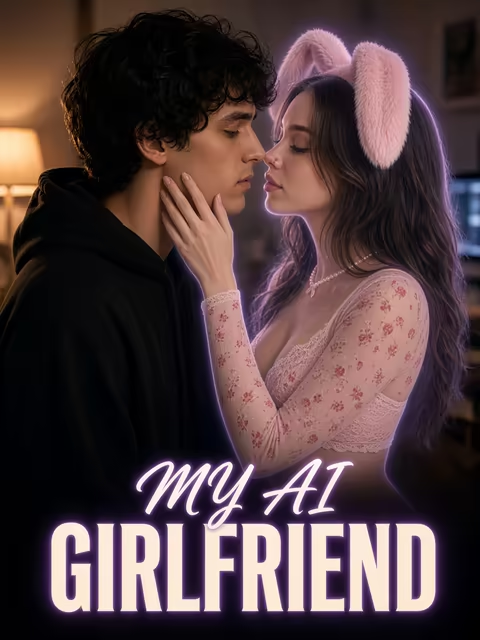
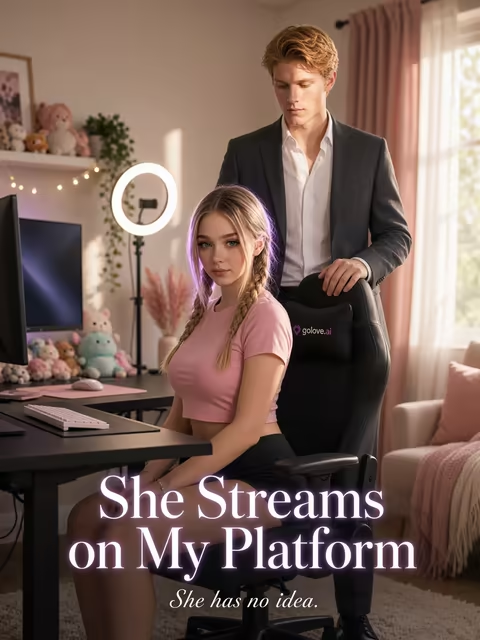
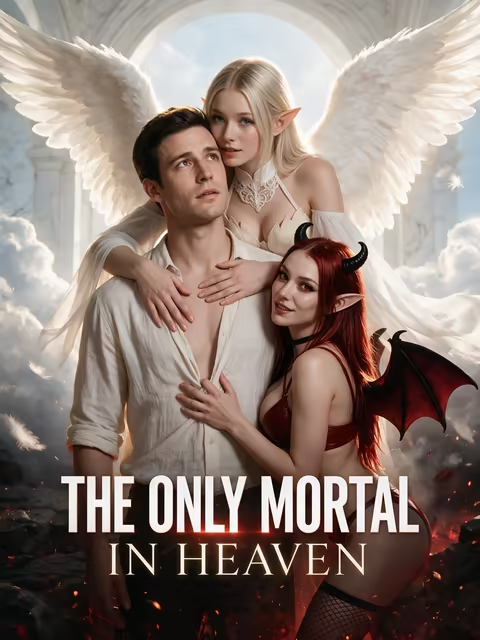
For a side trip, watch episodes 1–2 of a GoLove Series to see house characters carried across a whole story. As of 2026-10-12 there are 5 series and 32 episodes, and 'My AI Girlfriend' is a good place to start. The first two episodes are free. Later ones cost a few Stars on PRO, and afterward you can chat with the cast.
OurDream suits you if you're happy on the web and want one bundled coin balance. For a custom avatar, though, the documented flow is where GoLove.ai stuck the landing: the face you design carries into chat photos and video, at per-action costs you can actually budget.
Your first character costs about 3 Stars and her first chat photo costs 1, so within minutes you'll know whether her face holds.
Related Articles
 Insights12 minSeptember 17, 2026Pregnant AI Porn: Which App Actually Delivers?Pregnant AI porn: GoLove.ai wins with custom character bodies, in-chat photo drops, and photo-to-video — no clunky signup. See the comparison.Read article
 Guides11 minOctober 8, 2026Best AI Girlfriend for Men: Ranked on Calls and MemoryBest AI girlfriend for men: GoLove.ai takes #1 for live voice calls plus memory of your history — photos land right in the chat. Compare all four picks.Read article
 Insights11 minOctober 23, 2026AI Companion App No Subscription: What the Free Tier UnAI companion app with no subscription? GoLove.ai's free path is the one we could verify — chat opens from Explore, 2 daily Stars. Compare plans.Read article